

Alternatives to Sprite-AI
Sprite-AI turns your text descriptions into pixel-perfect, game-ready sprites instantly with no drawing skills required.
Explore 14 alternatives to Sprite-AI. Compare features, pricing, and find the best fit for your needs.
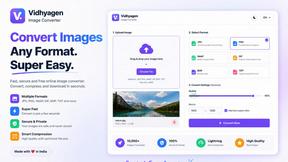
VidhyaGen
Fast, free, and privacy-first browser tool to convert, crop, resize, and compress images locally without server uploads.
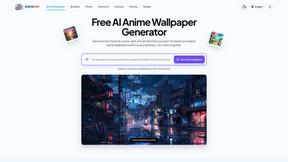
AnimeWall
Free AI anime wallpaper generator. Create original HD anime wallpapers and avatars from text prompts.
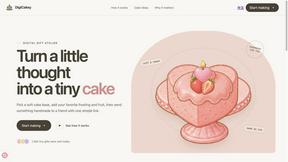
DigiCakey
Easily share your custom creation with friends via a simple link, providing a thoughtful alternative to traditional cards.


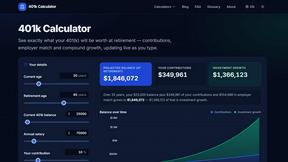
401k Calculator
401 k Calculator.info is a free online tool to estimate retirement savings, employer match, and future 401(k) growth for smarter financial planning.
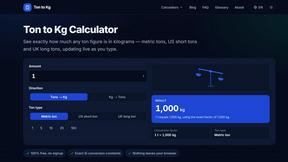
Ton to Kg Calculator
Ton To KG Calculator is a free online weight conversion tool that helps users instantly convert tons to kilograms with precision.

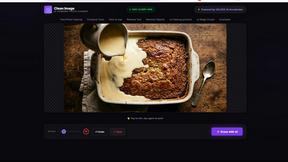
Clean Image AI-Powered Photo Cleanup
Clean Image is a private, client-side AI tool that removes text, logos, and blemishes from photos instantly without uploading your data.
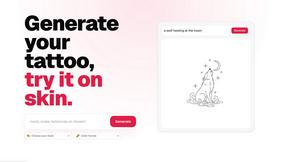
CustomTattoo AI
CustomTattoo AI lets you generate, preview, and refine tattoo designs on your own skin before you book with an artist.

Inkfox AI
Inkfox AI is a free unlimited AI image generator with no sign-up required, turning prompts into ads, product shots, and social visuals.
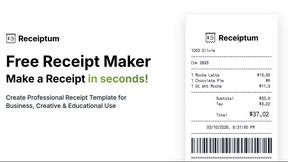
Receiptum
Receiptum enables you to create customizable, professional receipts in seconds, no design skills required, for various business needs.

AI Architecture Generator
AI Architecture Generator turns sketches and prompts into photorealistic renders in 30 seconds for architects and designers.
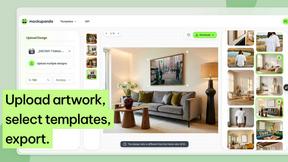
Mockupanda
Create unlimited professional mockups instantly for your Etsy shop or POD business, enhancing sales and saving you time.
About Sprite-AI Alternatives
Sprite-AI is an AI-powered pixel art generator that falls under the category of design tools, specifically tailored for creating 2D game assets. It allows users to describe a sprite in plain English, and the application produces clean, game-ready pixel art in standard sizes such as 32x32, 64x64, or 128x128 pixels. While the tool offers convenience and speed for indie developers, hobbyists, and prototypers, users commonly search for alternatives due to concerns over its token-based pricing model, which can become costly for high-volume projects. Others may seek different features, such as more advanced editing capabilities, offline functionality, or integration with specific game engines beyond those supported. Additionally, some users might prefer open-source options or platforms that offer unlimited generation without per-use costs. When evaluating an alternative to Sprite-AI, you should prioritize tools that balance ease of use with the depth of customization needed for your project. Look for a solution that offers a robust pixel editor for fine-tuning assets, support for multiple export formats like transparent PNGs, and compatibility with your preferred game development environment. Consider the pricing structure carefully, opting for a subscription or one-time purchase model if you anticipate generating many sprites. Also, assess the community support and tutorial availability, as these can significantly accelerate your workflow. Finally, ensure the alternative provides the specific sprite sizes and categories—such as icons, items, characters, or boss art—that align with your game’s requirements.
FAQs about Sprite-AI Alternatives
What is Sprite-AI?
Sprite-AI is an AI-powered pixel art generator designed to help indie game developers, hobbyists, and prototypers create 2D game assets quickly without requiring manual drawing skills. Users describe a sprite in plain English, and the tool produces a clean, game-ready pixel art image in standard sizes like 32x32, 64x64, or 128x128 pixels. It also includes a built-in pixel editor for fine-tuning and exports transparent PNGs compatible with engines like Unity, Godot, GameMaker, and Unreal.
Who is Sprite-AI for?
Sprite-AI is primarily aimed at indie game developers, hobbyists, and prototypers who need to generate 2D assets rapidly for their projects. It is especially useful for those who lack traditional pixel art skills or want to accelerate their workflow by generating sprites from text descriptions. The tool is also suitable for solo developers and small teams who need a cost-effective way to produce icons, items, characters, and hero or boss art without hiring an artist.
Is Sprite-AI free?
Sprite-AI operates on a token-based pricing model, meaning users only pay for the sprites they generate rather than a flat subscription fee. There is no indication of a completely free tier in the provided content, so new users may need to purchase tokens to start generating assets. This pay-per-use approach allows for flexibility, as you can control costs based on your project's needs, but it may not be ideal for those seeking unlimited free generation.
What are the main features of Sprite-AI?
Sprite-AI's main features include text-to-sprite generation, where you describe a sprite in plain English and receive a pixel art image in sizes like 32x32, 64x64, or 128x128 pixels. It also includes a built-in pixel editor with tools for painting, erasing, filling, and color-picking to refine generated assets. Additional features are a community gallery for inspiration, prompt guides to improve generation quality, and transparent PNG export for direct use in game engines such as Unity, Godot, GameMaker, and Unreal.